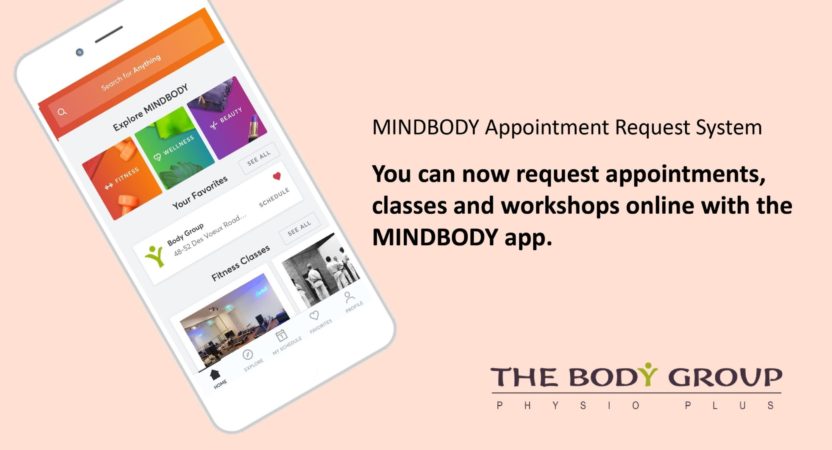
MINDBODY App


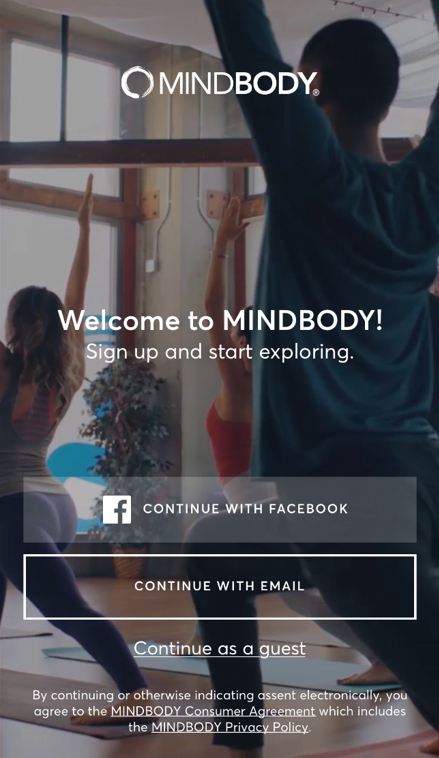
Step 1
Select “CONTINUE WITH EMAIL”
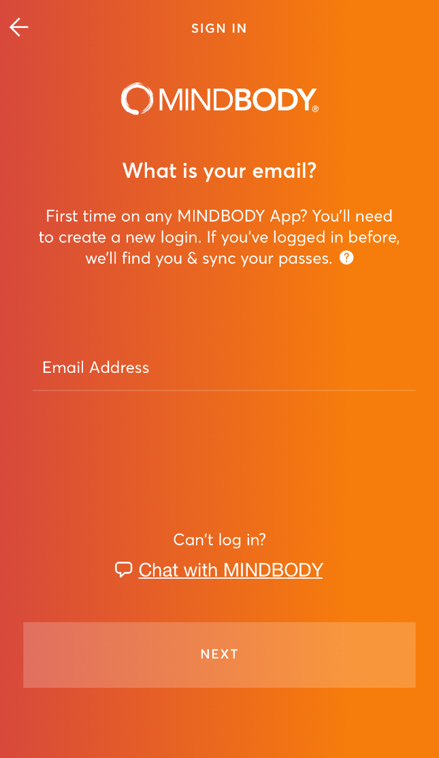
Step 2
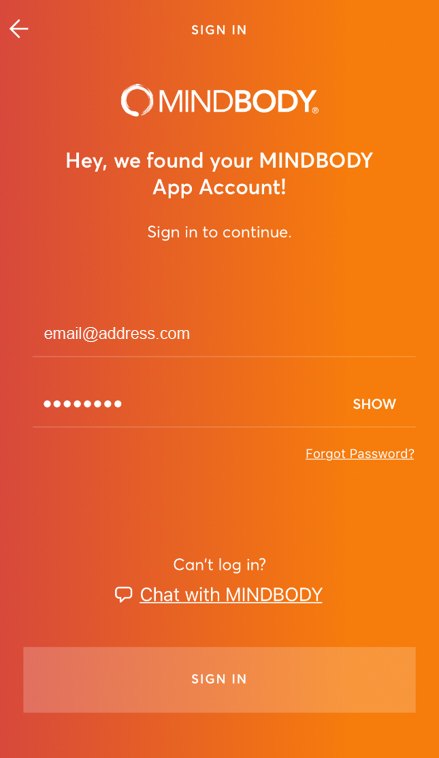
Input your “Email Address” then Click “NEXT”
Step 3
Input your “Password” from our email then Click “SIGN IN”
Step 4
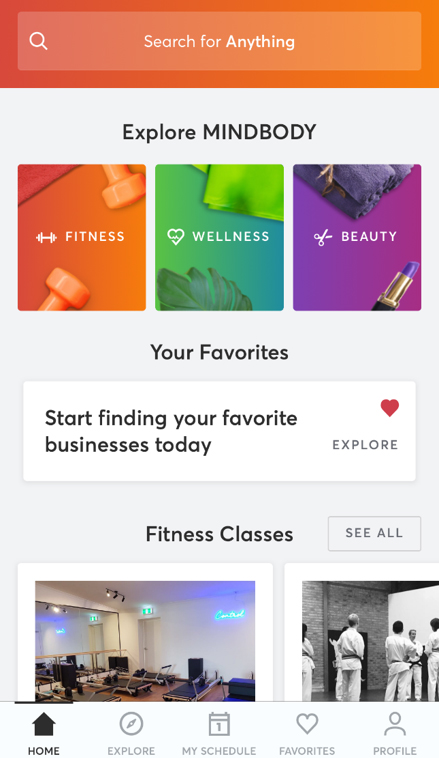
Click “Search for Anything”
Step 5
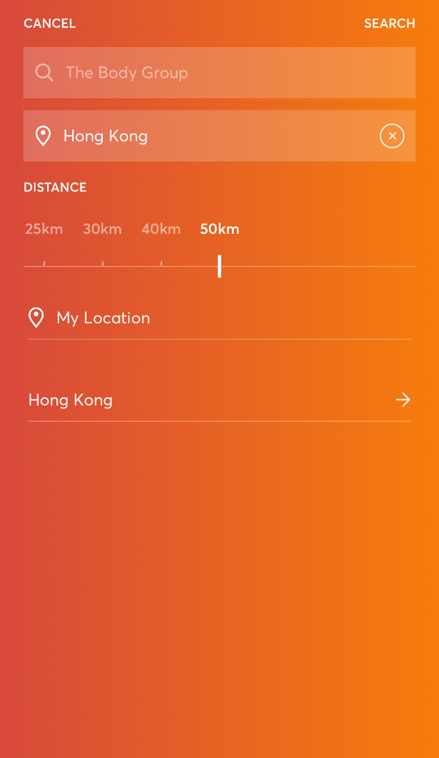
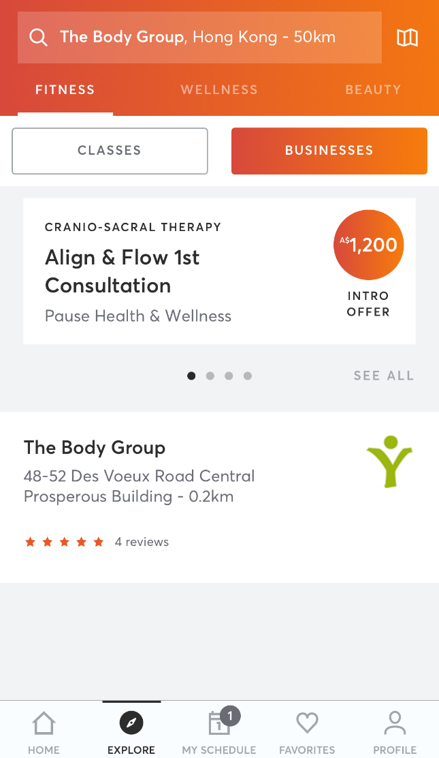
Search “The Body Group” and Choose “Hong Kong” on the location
Step 6
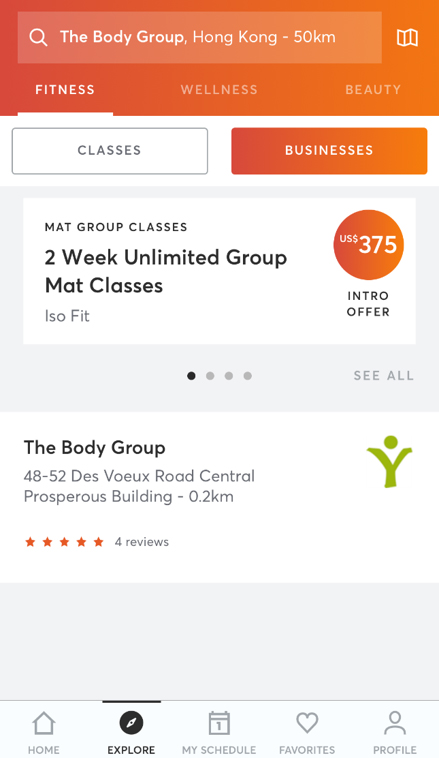
Click “The Body Group”
Step 7
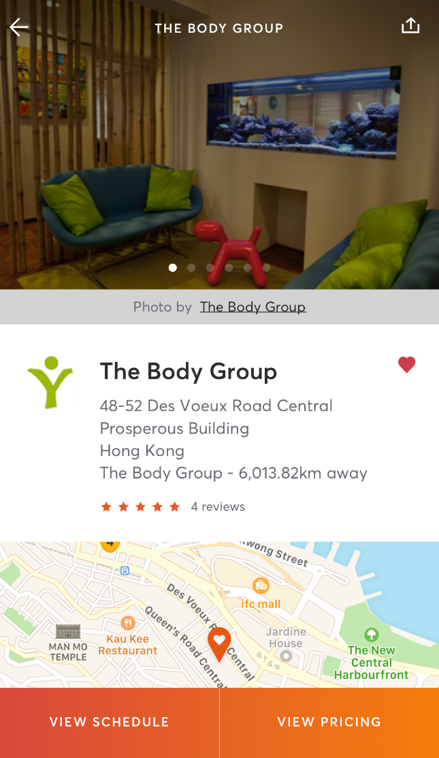
Click “♡” and add The Body Group to your favorite. Then click “VIEW SCHEDULE”
Step 8
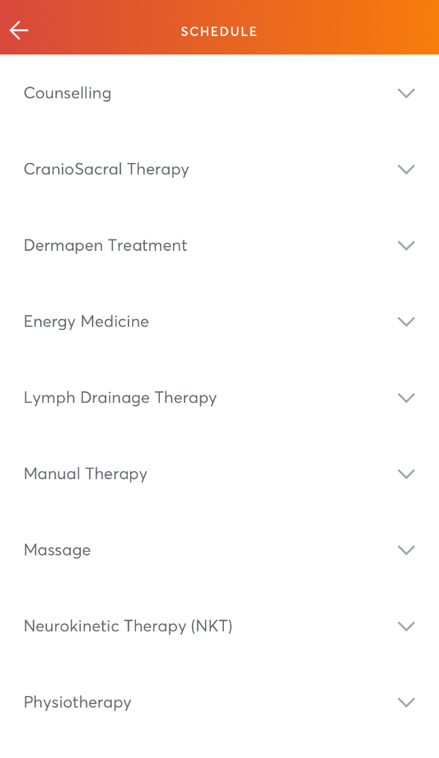
Select your treatment
Step 9
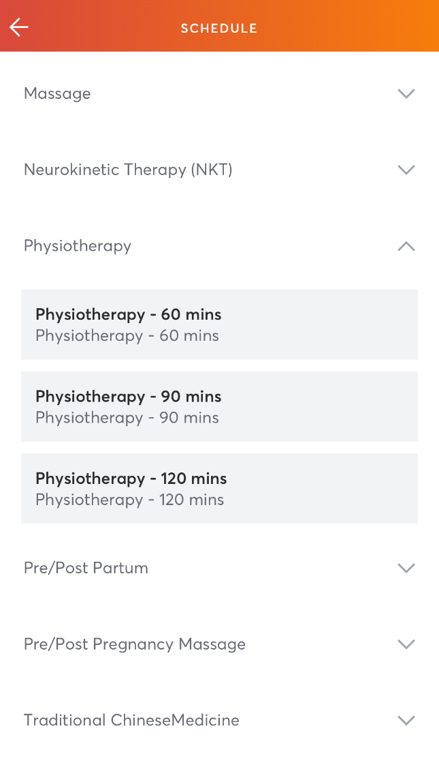
Select the duration of your treatment
Step 10
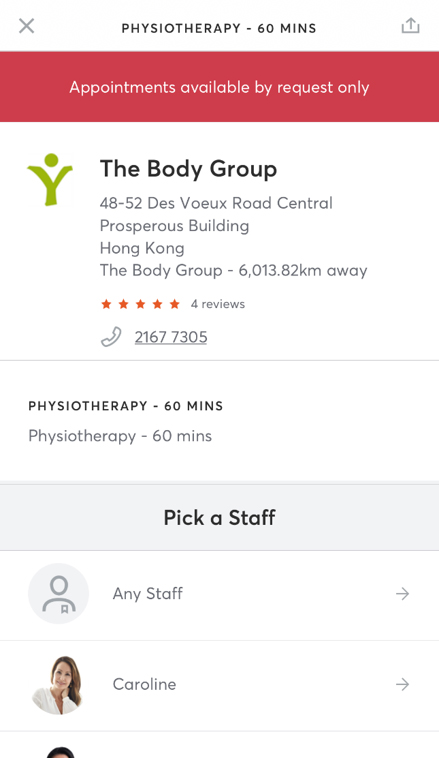
Select your Therapist
Step 11
Select “VIEW AVAILABILITY”
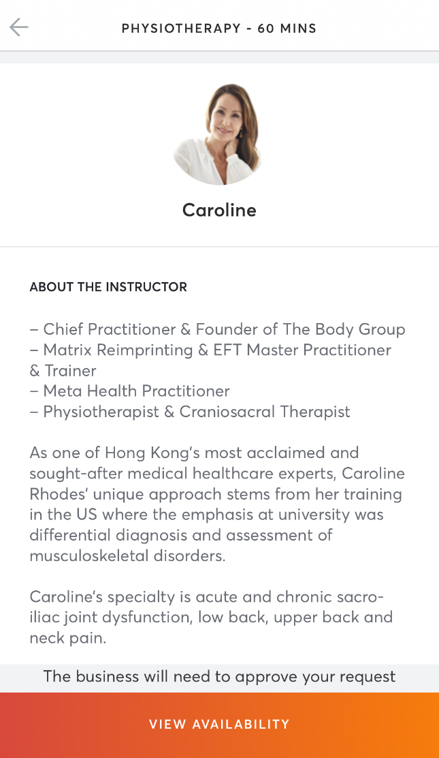
Step 12
Select “date” and “time”
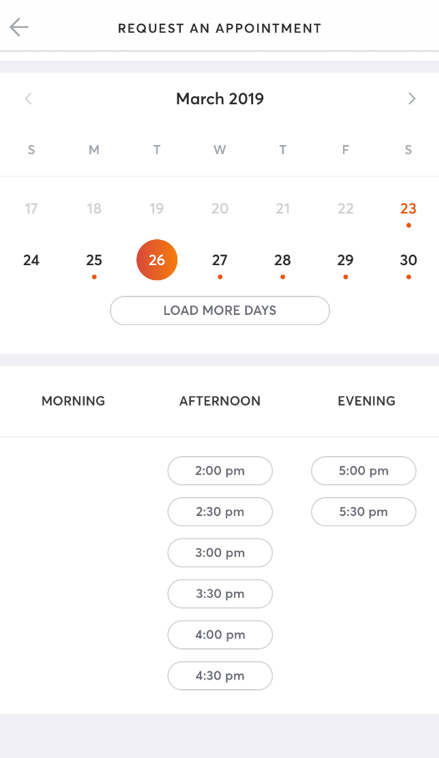
Step 13
It shows your request appointment details then Click “NEXT”
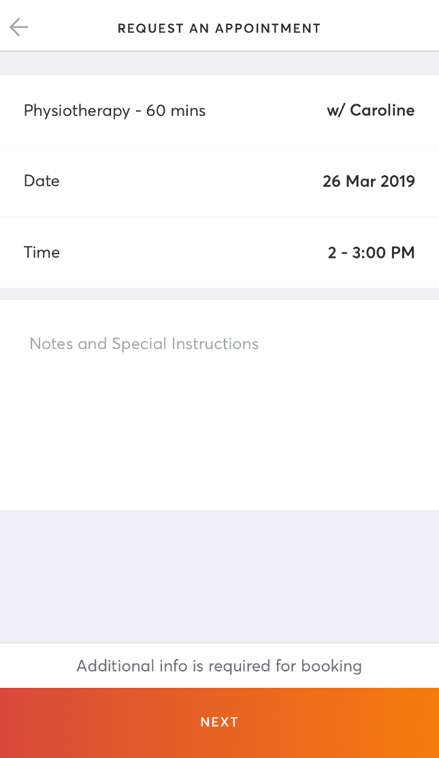
Step 14
Request Sent! We will confirm your appointment ASAP.
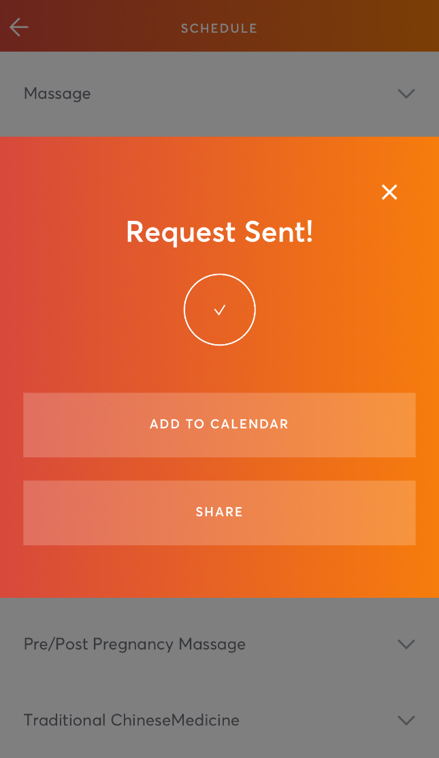
Step 15
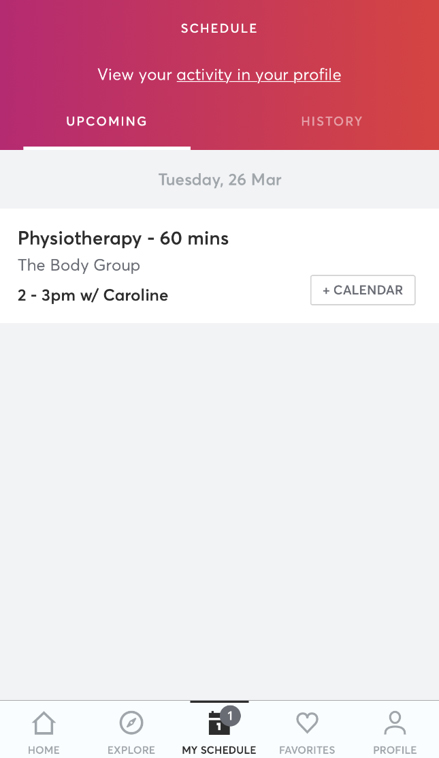
Once confirmed. You will see 1️⃣ under “MY SCHEDULE”
Step 16
You can see all your appointments under “MY SCHEDULE”